
Official certbot website
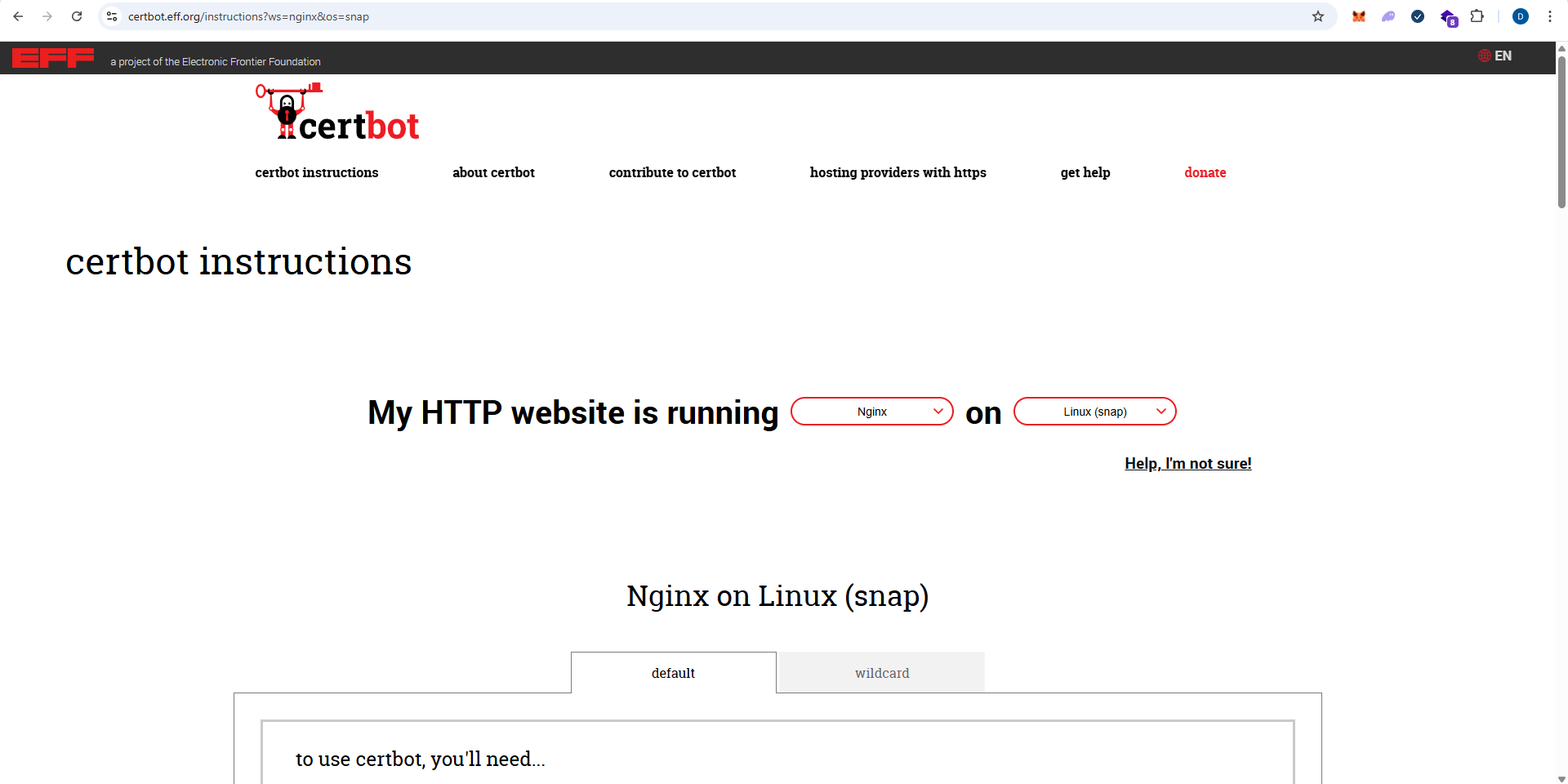
Install snapd & certbot both at once
sudo snap install --classic certbotPrepare the Certbot command
Execute the following instruction on the command line on the machine to ensure that the certbot command can be run.
sudo ln -s /snap/bin/certbot /usr/bin/certbotGet & install certificates
Run this command to get a certificate and have Certbot edit your nginx configuration automatically to serve it, turning on HTTPS access in a single step.
sudo certbot --nginxReal life example – Letsencrypt path
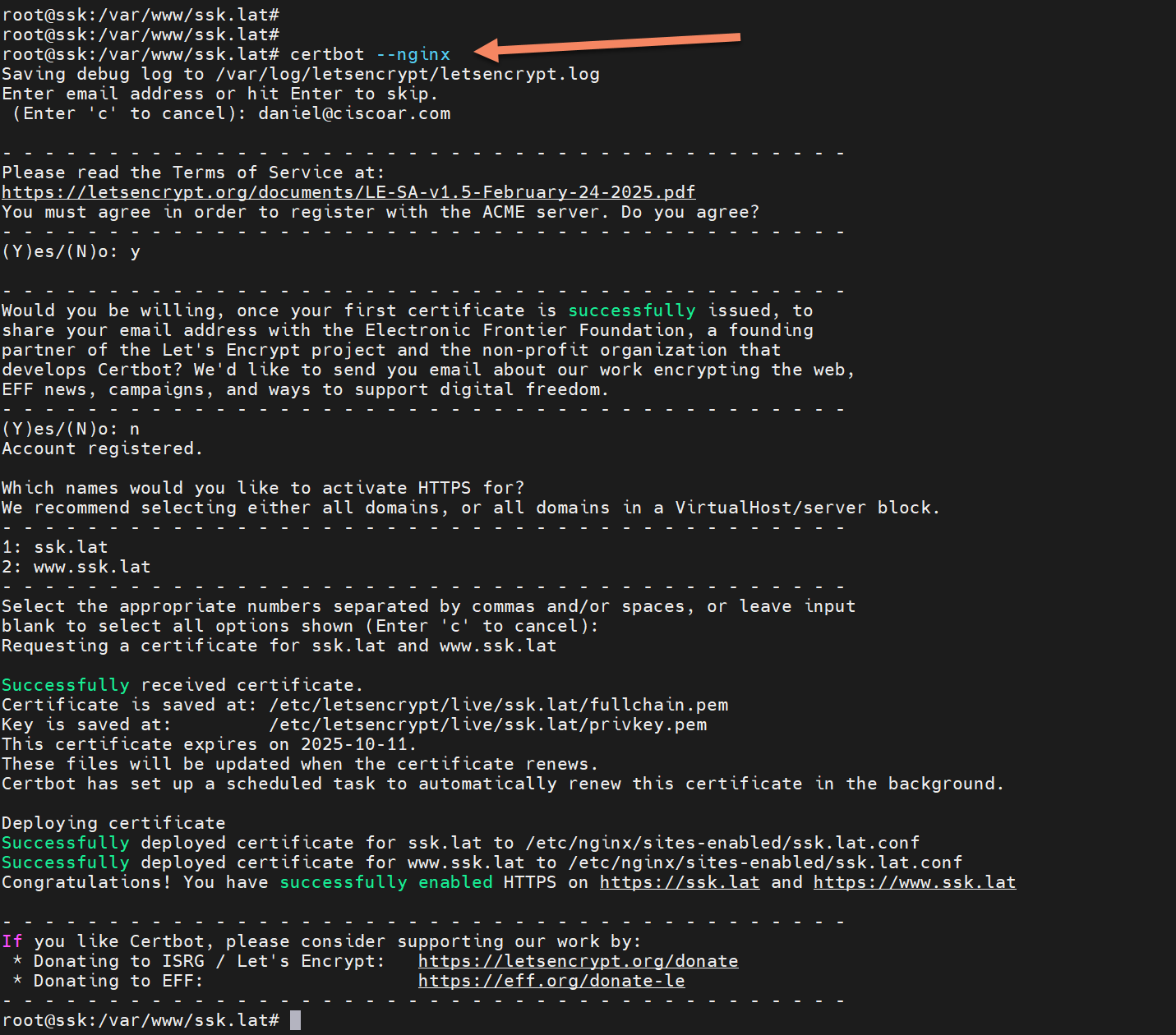
Successfully received certificate.
Certificate is saved at: /etc/letsencrypt/live/ssk.lat/fullchain.pem
Key is saved at: /etc/letsencrypt/live/ssk.lat/privkey.pem
This certificate expires on 2025-10-11.
These files will be updated when the certificate renews.
Certbot has set up a scheduled task to automatically renew this certificate in the background.
Deploying certificate
Successfully deployed certificate for ssk.lat to /etc/nginx/sites-enabled/ssk.lat.conf
Successfully deployed certificate for www.ssk.lat to /etc/nginx/sites-enabled/ssk.lat.conf
Congratulations! You have successfully enabled HTTPS on https://ssk.lat and https://www.ssk.lat