Contents
hide
check if PHP-FPM is already installed
php-fpm -v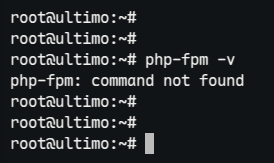
Install php-fpm and php modules
install PHP-FPM and enable it to start automatically at boot.
sudo apt install php-fpm -yconfirm version inside /etc/php
cd /etc/php/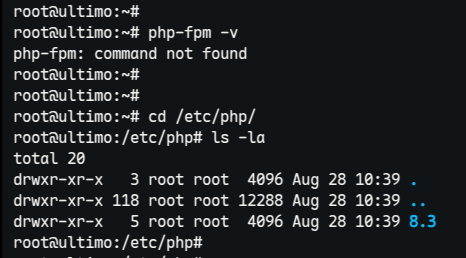
verify that the fpm directory is available
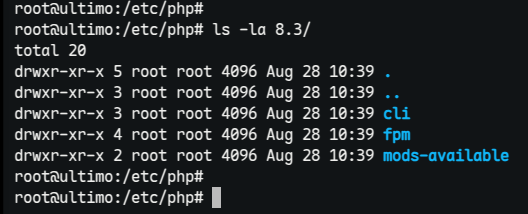
From now on you must include the version
sudo systemctl list-units --type=service | grep -i php
current status (version 8.3)
sudo systemctl status php8.3-fpm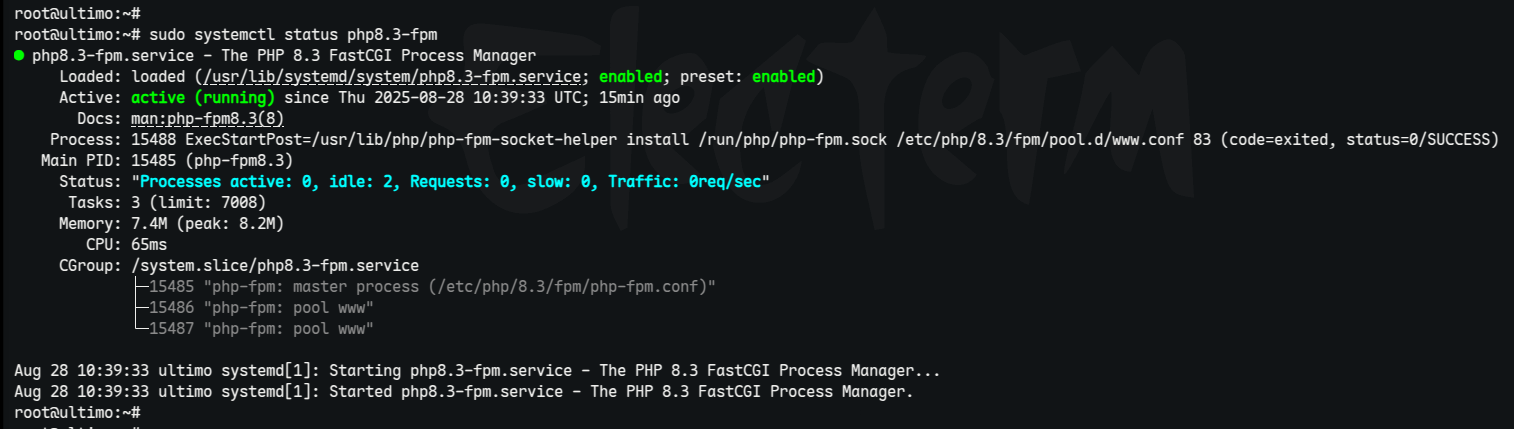
Start php-fpm (version 8.3)
sudo systemctl start php8.3-fpmEnable at boot (version 8.3)
sudo systemctl enable php8.3-fpmInstall most commonly used php modules
sudo apt install -y php-mysql php-mbstring php-bcmath php-zip php-gd php-curl php-xml php-xmlrpcThe above command installs the following PHP extensions:
- php-mysql – Connects PHP with MySQL databases.
- php-mbstring – Supports UTF-8 and multibyte strings.
- php-bcmath – Enables high-precision math operations.
- php-zip – Adds ZIP archive support.
- php-gd – Enables image processing.
- php-curl – Allows data transfer via URLs.
- php-xml – Provides XML parsing and handling.
- php-xmlrpc
View all installed PHP extensions on your server.
php -m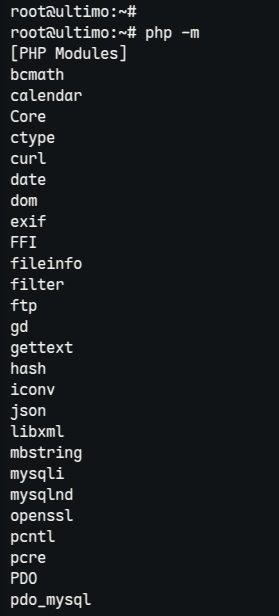
list all PHP extensions you can install based on your server’s PHP version.
sudo apt-cache search php | grep "^php8.3"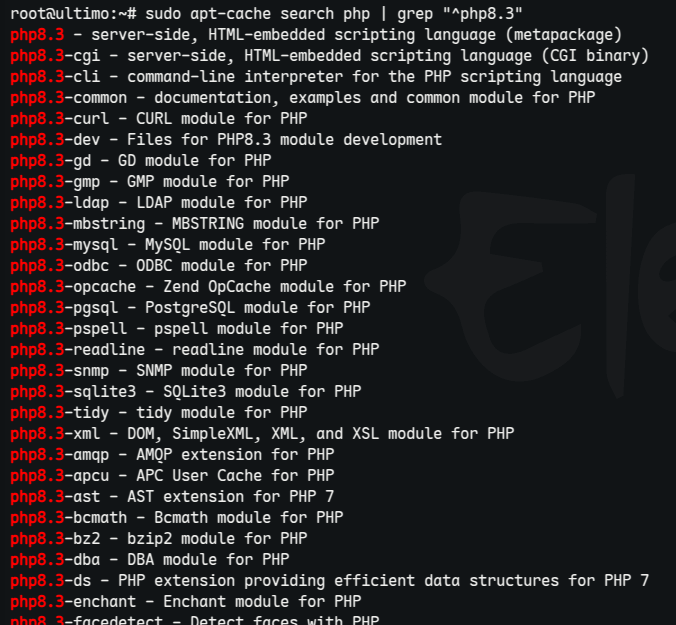
Specific version details
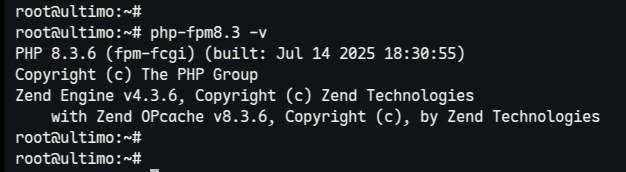
php-fpm8.3 -v